Today I finished Day 2 of a 30-day Autodesk Fusion learning series: a bottle with a shaped neck and an open top. When it was done, I sat looking at it and asked myself a simple question. What could I actually build with what I just practiced?
The answer turned into my first electronics enclosure. It’s a small one, it’s practice, and it’s not finished. But it’s the first time in the Overwatch Engineering Lab that I used Fusion to make something that will eventually have to work with other parts.
The Tutorial: A Bottle
Here’s the tutorial I followed. The model is a bottle with a shaped neck and an opening at the top. What I really got out of it was practice with a few basic moves: sketch, turn the sketch into a solid, then remove material so the solid becomes a container instead of a block.
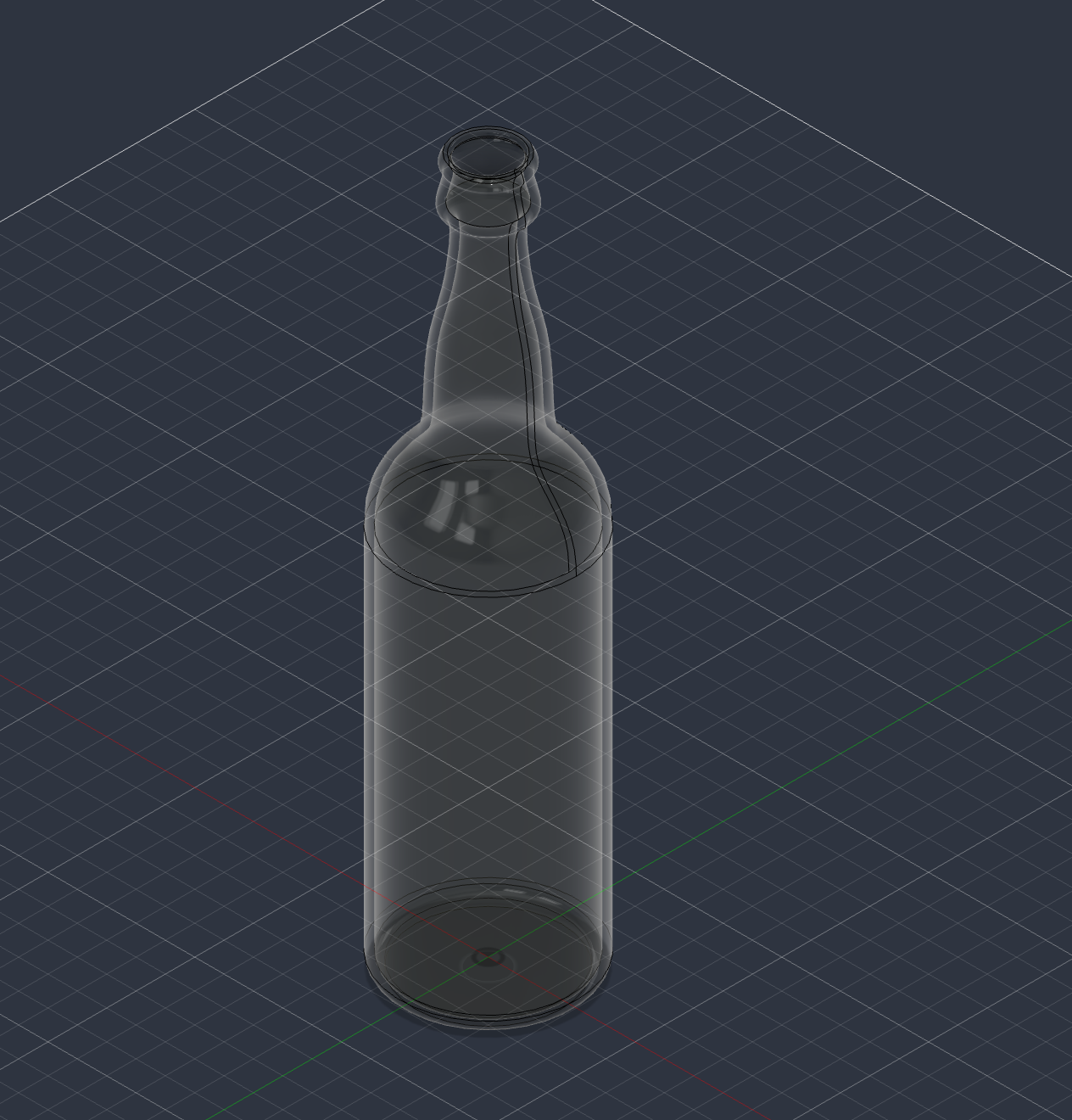 Screenshot of my tutorial bottle in Fusion: shaped neck, open top.
That last part stuck with me. A bottle is a hollow shape with walls and an opening. So is a box.
Applying It: An Enclosure Base
After the tutorial, I switched to my own project: the base of a small electronics enclosure. Right now it’s an open rectangular tray, basically a box with no lid.
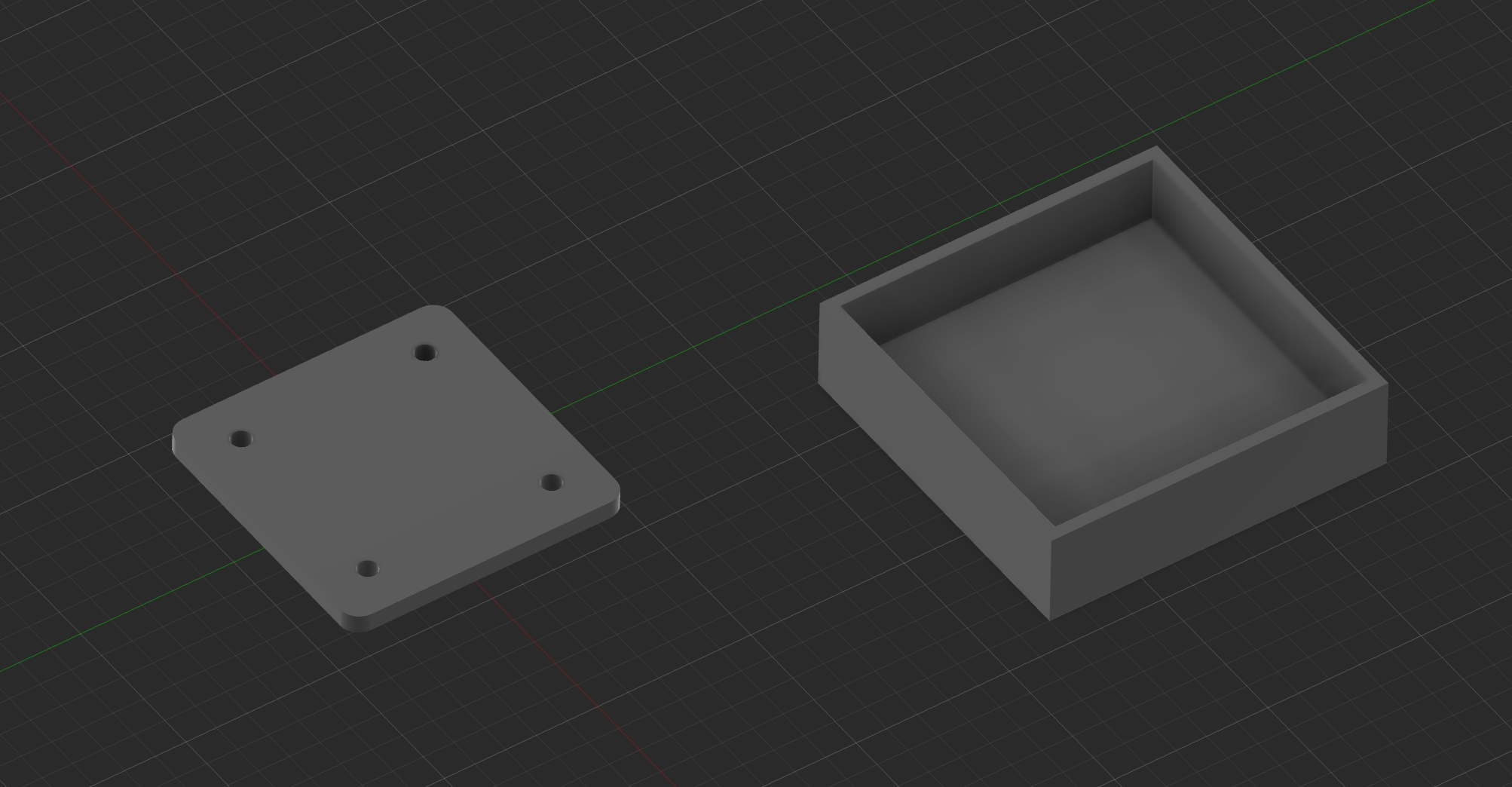 Screenshot from my Fusion session: the open enclosure tray (right) beside a separate four-hole mounting plate (left). The screenshot shows the shapes, not verified dimensions.
These are the dimensions I was aiming for:
| Feature | Target |
|---|---|
| Outside footprint | 55 × 55 mm |
| Overall height | 15 mm |
| Wall thickness | 2 mm |
| Floor thickness | 3 mm |
These are design targets. I haven’t independently checked them on the model yet, so treat them as intent, not measurements.
The workflow went roughly like this. I’m describing the approach, not claiming my timeline matches it step for step:
- Sketch a rectangle. A flat 2D outline of the 55 × 55 mm footprint.
- Extrude it. Extrude pulls the flat sketch up into a 3D solid, here a block 15 mm tall.
- Shell it. Shell hollows out a solid and leaves walls of a set thickness. You pick a face to remove (the top), and Fusion scoops out the inside. That turns a block into a tray, the same idea that made the bottle a container.
- Thicken the floor. Shell makes everything the same thickness, but I wanted the floor sturdier than the walls, 3 mm instead of 2 mm, so the plan was to build it up after shelling.
If those targets hold, the inside is 51 × 51 mm and about 12 mm deep. That’s just arithmetic from the table, but it’s the kind of number I’ll need next.
Shapes vs. Parts
This is the real lesson from today. The bottle only had to look like a bottle. If the neck had been a millimeter wider, nothing would have broken.
The tray is different, and having the plate in the same view made that obvious. It’s a lot like the practice mounting plate I modeled on Monday, which I designed with four holes on a 30 × 30 mm pattern. Those holes only matter if something lines up with them. With the plate next to the tray, the questions changed:
- Dimensions become constraints. If the plate is wider than the inside of the tray, it doesn’t go in.
- Wall thickness is a tradeoff. Thicker walls are stronger but eat into the space inside. Thinner walls might be flimsy or hard to print.
- Mounting points decide where everything else goes. The plate’s hole pattern tells the tray where its supports belong, not the other way around.
- Iteration isn’t optional. These numbers will almost certainly change once real parts are involved.
A shape is done when it looks right. A part is done when it fits, holds, and can actually be made. I’m not at that point yet, but I can see the difference now.
Next Step: Four Mounting Posts
The next step is adding four mounting posts inside the tray so the plate has something to sit on and fasten to. They’ll follow the same 30 × 30 mm center-to-center spacing as the plate’s holes.
To picture it, I generated a concept image:
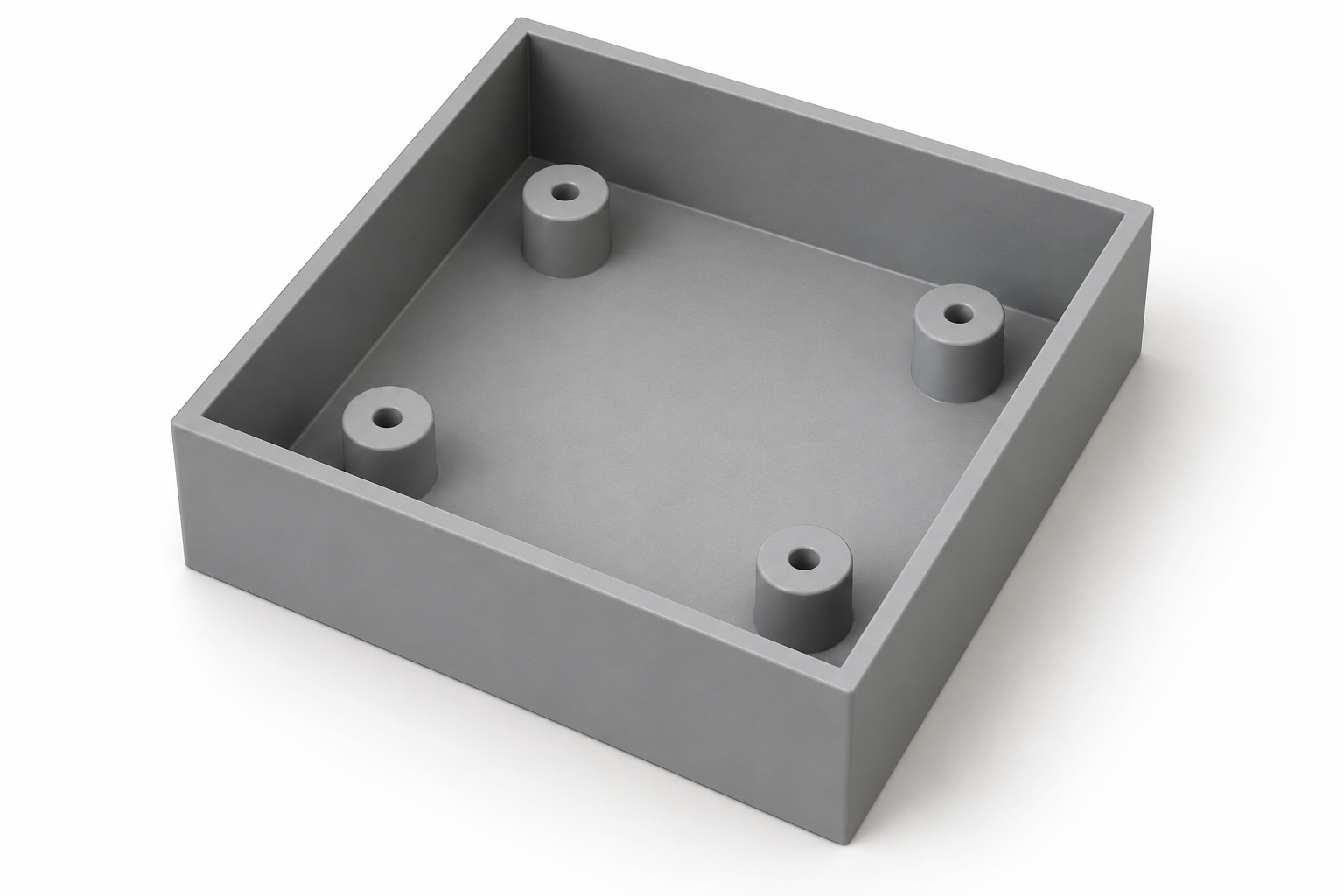 AI-generated concept, not a screenshot and not my model. I haven’t modeled the posts yet. This only shows the idea.
Even this simple step raises questions I haven’t answered: how tall the posts should be, how big the holes need to be for whatever screws I end up using, and whether the plate should sit below the rim or flush with it.
After that, the bigger job is sizing the whole thing around actual electronics instead of practice numbers: measuring real components, checking clearances for wires and connectors, picking fasteners, and eventually printing it to see what I got wrong. None of that has happened yet. Nothing has been printed, fit-tested, or flown.
Where This Fits
The lab is where I’m working on CAD, circuits, electronics, and software together, with hardware and IoT security as the longer-term direction. Drones and embedded devices are what I eventually want to understand well enough to build and assess. A 55 mm practice tray isn’t either of those. It’s a foundation exercise toward understanding the physical side of those systems.
After the Fusion session, I took a study break with Hello Hacker simulator and planned some light IT studying. Today’s video is from that simulator, not this CAD build. It’s a game and a fun break, not penetration-testing experience.
 ▶ Watch the Hello Hacker simulator video on YouTube. This is the study-break video, separate from the Fusion work above.
Today: one tutorial bottle, one practice tray, and a clear next step. Four posts, then real parts.