Monday is Fusion night in the Overwatch Engineering Lab schedule, and today was the first one. I’ll be honest up front: it kind of sucked. I was running on no sleep, and learning a new interface while tired means spending a lot of time looking for buttons and rereading things I’d just read. I still came out of it with two models, though, and the second one is the part I actually care about.
This wasn’t my first time touching CAD. It was my first day in Autodesk Fusion specifically, which meant new menus, new names for things, and a lot of hunting around.
Part 1: Following a Tutorial
I started with a Product Design Online tutorial and modeled a LEGO-style 2×4 toy block: eight studs on top, an open underside, walls around the outside, and three hollow tubes inside.
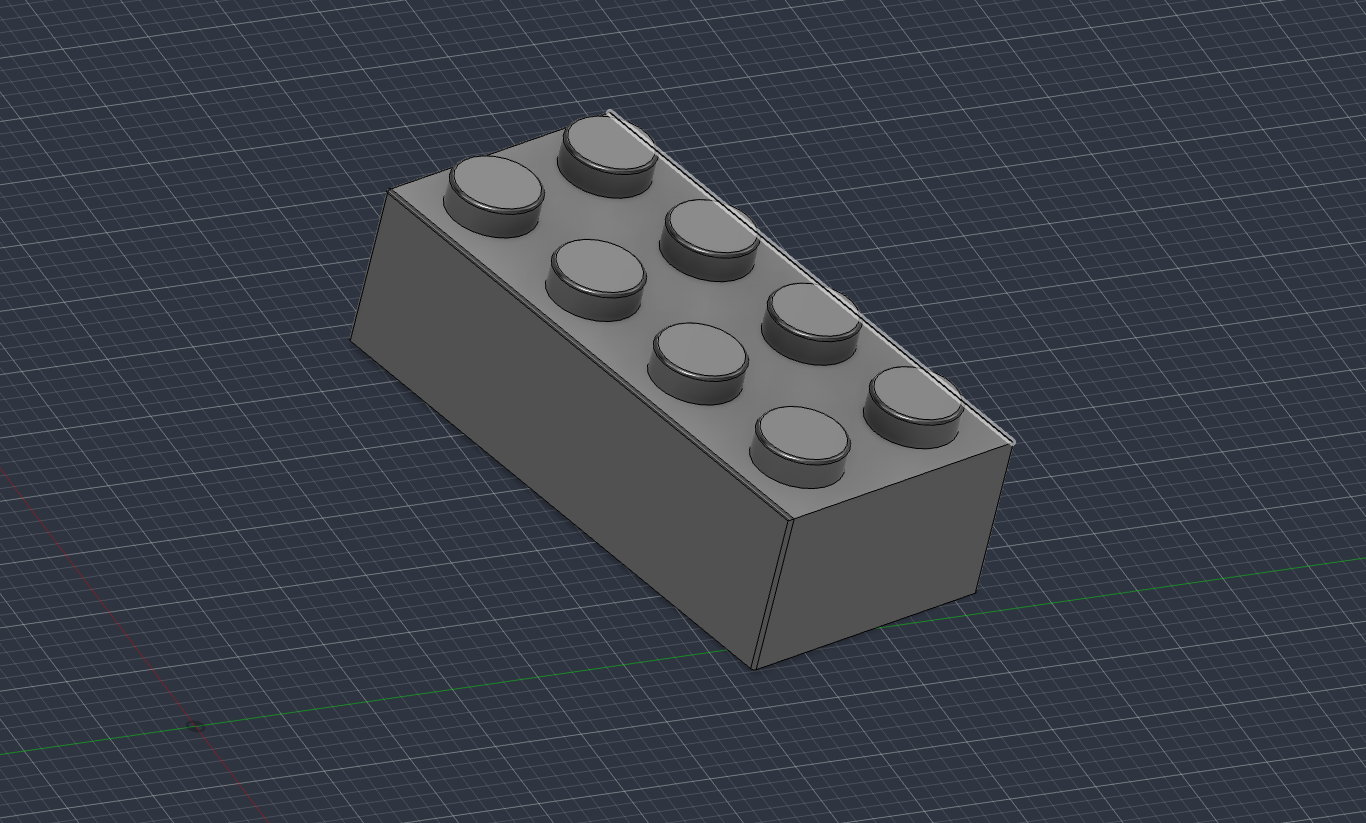 The top of my 2×4 toy block in Fusion, with eight studs. Modeled by following a Product Design Online tutorial.
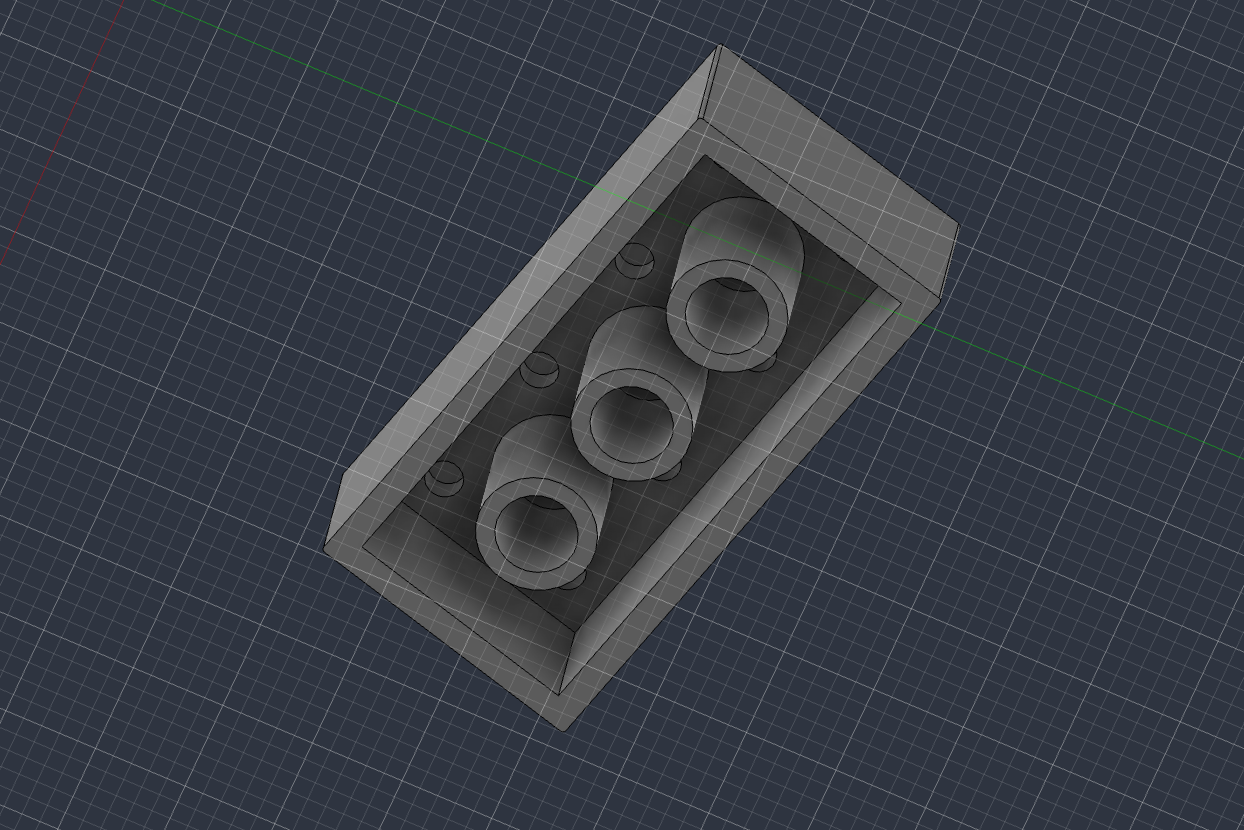 The underside of the same block: open bottom, surrounding walls, and three hollow internal tubes.
Following along was fine as long as I kept up. Where it got slow was every time the video moved faster than I could find the matching tool. That’s not a knock on the tutorial. It’s just what the first day in any new piece of software feels like, and being tired made it worse. A few times I had to stop, back up, and redo a step because I’d clicked the wrong thing and didn’t notice right away.
Part 2: Trying It on My Own Part
After the block, I wanted to see if any of it would stick without a video walking me through it. With some guidance from ChatGPT, I built a practice flight-controller mounting plate: a flat square plate with rounded corners and four mounting holes.
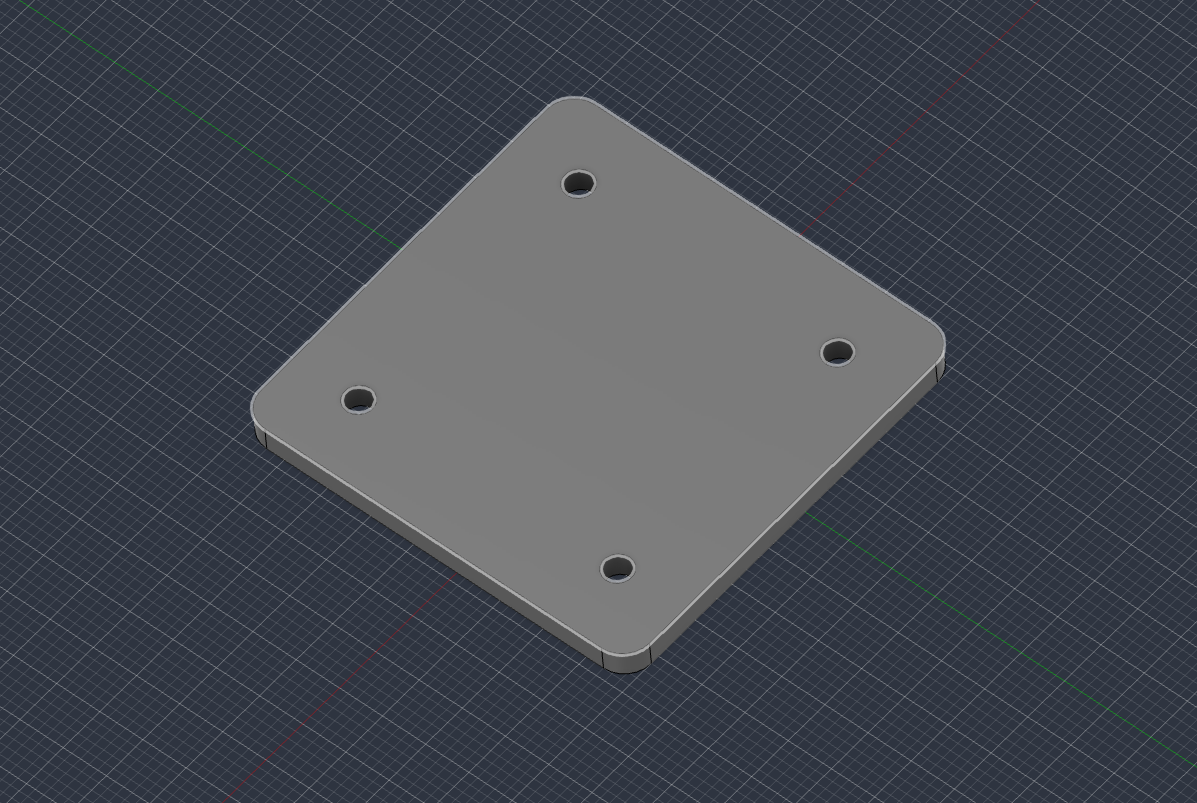 My practice mounting plate in Fusion: rounded corners and four mounting holes. The screenshot shows the shape, not the dimensions.
These are the specs I worked from:
- Plate: 45 × 45 mm
- Thickness: 3 mm
- Hole diameter: 3.2 mm
- Hole-center spacing: 30 × 30 mm
- Hole-center offset: 7.5 mm from each adjacent straight edge
- Corner radius: 3 mm
A couple of caveats so I’m not overselling this. First, these are practice numbers. I didn’t check them against a specific flight controller, so I’m not claiming this plate fits any real board. Second, the screenshot only shows the geometry. It doesn’t prove the dimensions or constraints are what I listed. Showing dimensions on the model was another unfamiliar task, and at that point in the night I decided to leave that check for a later session instead of forcing it.
What the Plate Is For (Eventually)
The idea behind a plate like this is that a small circuit board would sit above it on standoffs, short spacers that hold the board off the surface and line up with the mounting holes. I haven’t modeled the standoffs or a board. To picture where this could go, here’s a concept image I’d generated earlier:
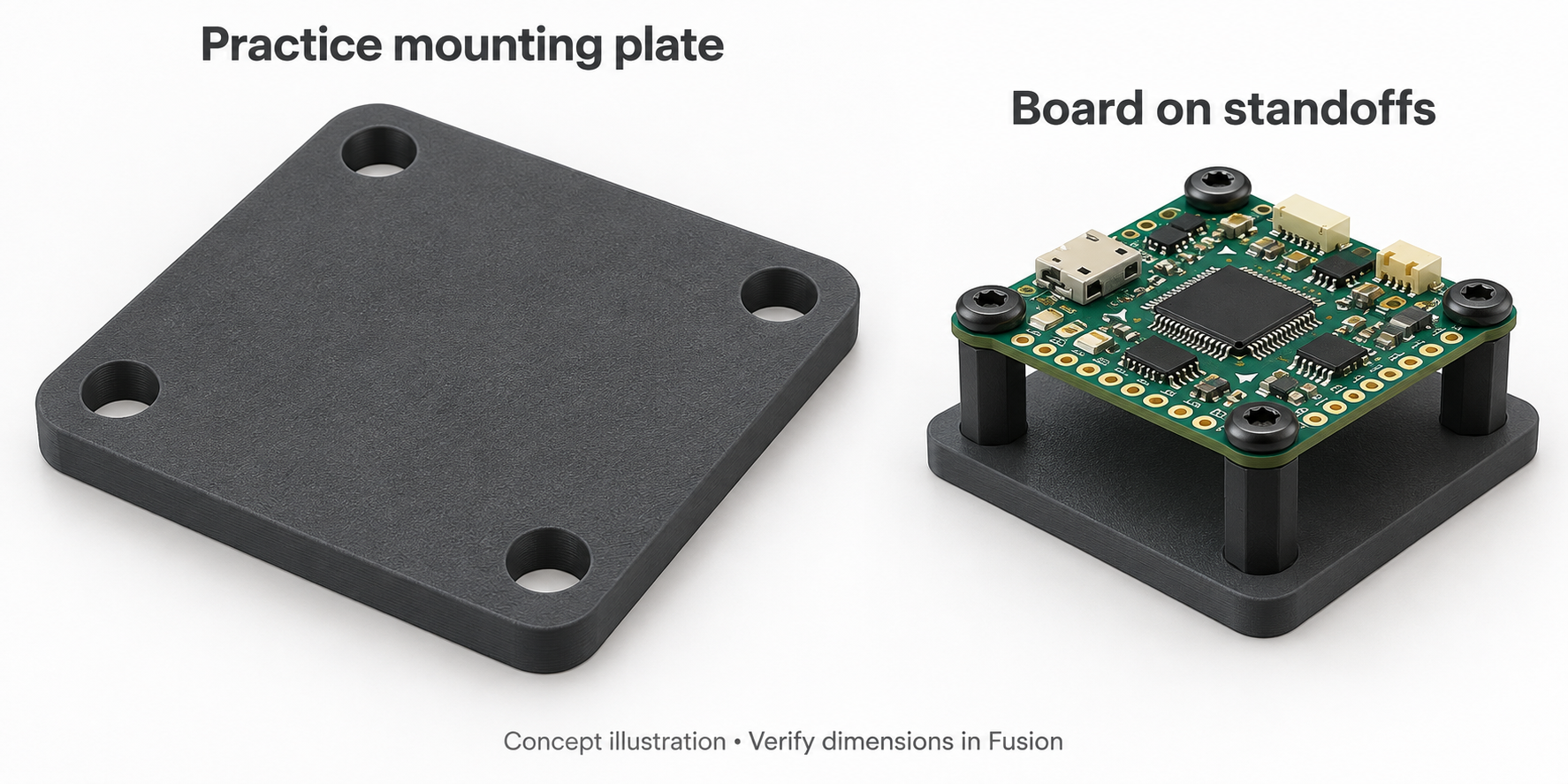 AI-generated reference concept, not my CAD model, not a physical build, and not an engineering drawing. It only illustrates how a board could sit above a plate on standoffs. Modeling that is a future step.
What Was Hard
- Being tired. This was the biggest one. Everything took longer than it should have.
- Finding things. I mostly knew what I wanted to do. I just didn’t know where Fusion keeps it.
- Dimensions. Getting the model to display its measurements is something I still need to learn, which also means I haven’t verified the plate yet.
What Went Right
Going from the tutorial block to a part of my own on the same night was the useful milestone. The plate is a much simpler shape than the block, but nobody was walking me through it step by step, and it still came out looking like what I meant to build. That’s what I wanted out of day one.
What’s Next
Tomorrow, Tuesday, October 13, the plan is a guided Tinkercad Circuits session with a breadboard, a power source, a resistor, and an LED. The goal is to learn voltage, current, resistance, and how a circuit behaves by building it and running the simulation, then bring in Arduino once that foundation makes sense. That session hasn’t happened yet, so I’ll write it up after it does.
PDOS Update
PDOS is on hold for now. I’m aiming to get back to coding it by Monday, October 19, 2026. That’s a target, not a promise.
Documenting This
I’m going to keep writing these up after lab sessions, along with recorded Project Khaled standups. Partly so there’s a record, and partly because writing down what actually happened, including the parts that didn’t go well, helps me see what to work on next. Today: one tutorial model, one practice part on my own, one verification step I still owe myself.